
Overview
This beta guide covers end-of-day reporting and close procedures so totals are reconciled before the business day is finalized.
Before you begin
- Confirm all active checks/orders are closed or transferred.
- Confirm all terminals are online and synced.
- Confirm shift lead has reconciliation access.
- Confirm payment terminal batch/settlement timing for your processor.
Steps
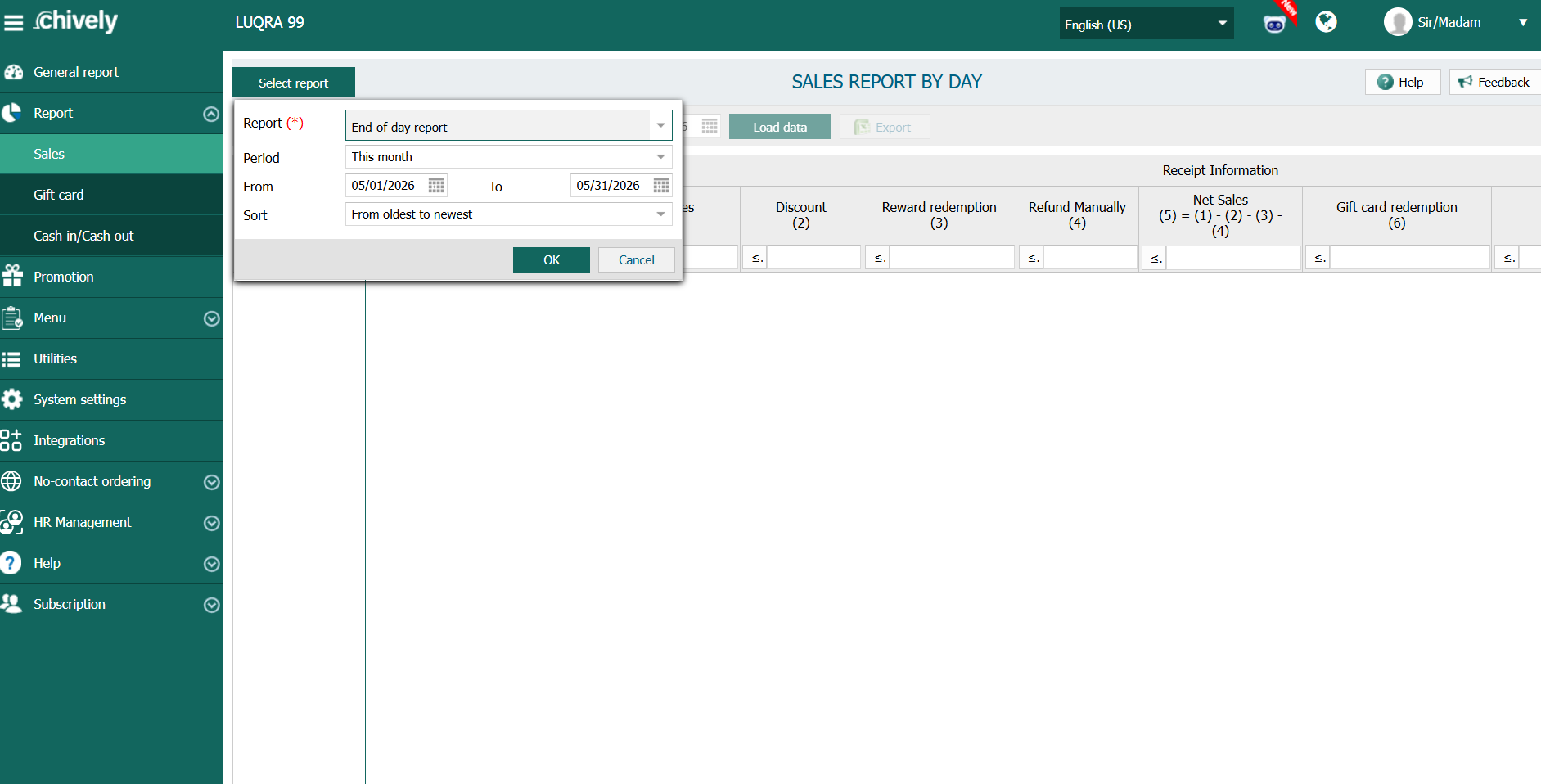
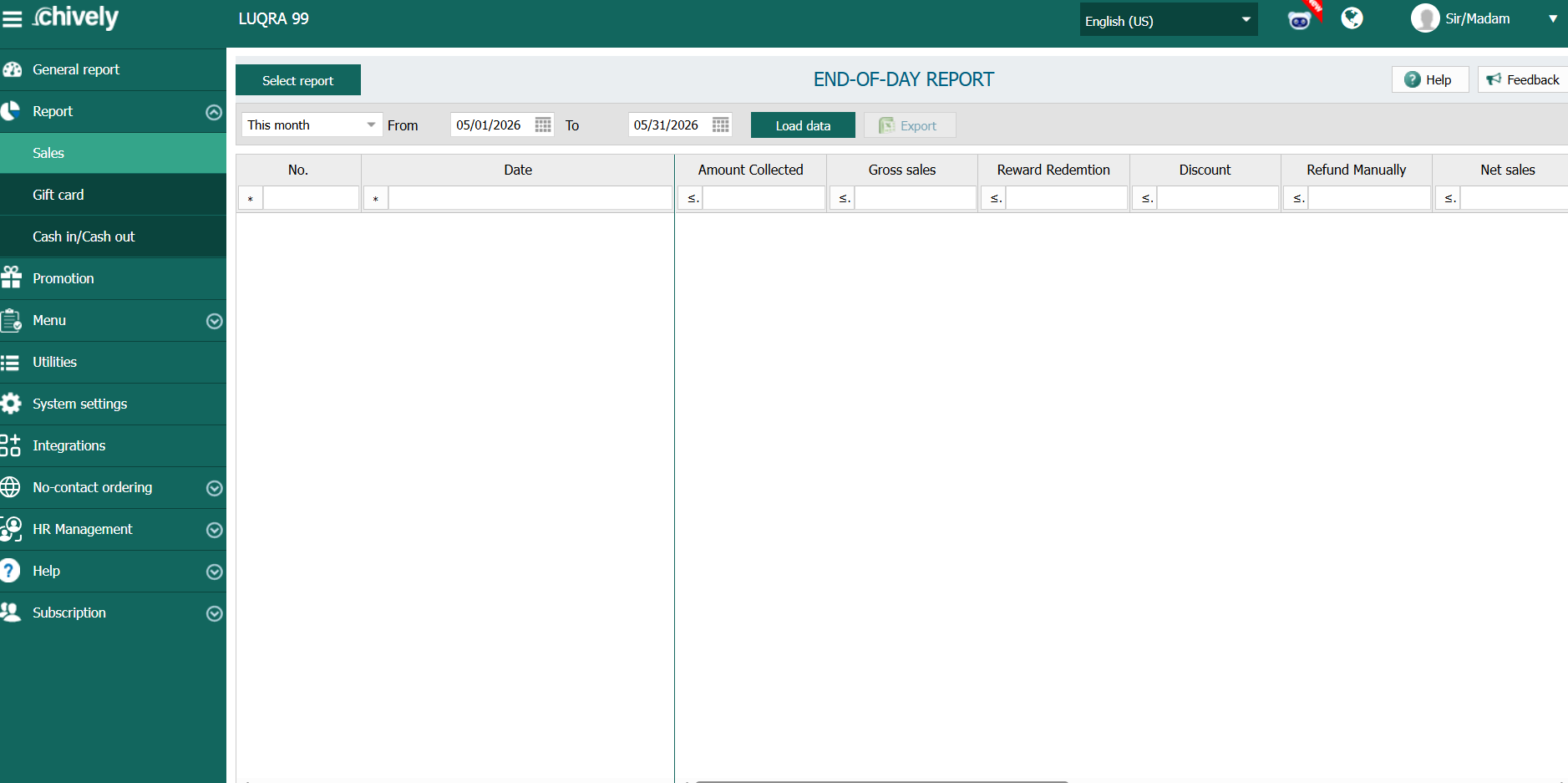
- Open the end-of-day report for the target business date.
- Review the summary totals: total sales, transaction count, and payment-method breakdown.
- Check voids, refunds, and discounts to make sure exceptions are expected.
- Compare cash expected versus counted cash and log any over/short amount.
- Compare card totals with terminal batch totals when available.
- Resolve or document mismatches before finalizing close.
- Complete close and archive the end-of-day summary for accounting.
Verification
- End-of-day close status is complete for the selected date.
- Any reconciliation difference has a documented note and owner.
- Daily summary is saved/exported and available for finance review.
Source reference to adapt
Need help?
Call 1-866-849-2445 for support.