
Overview
This beta guide covers how to review gift card transaction activity for reconciliation, support follow-up, and dispute handling.
Before you begin
- Confirm gift card payment methods are enabled.
- Confirm you know the reporting date range and location.
- Confirm access permissions for payment reporting.
Steps
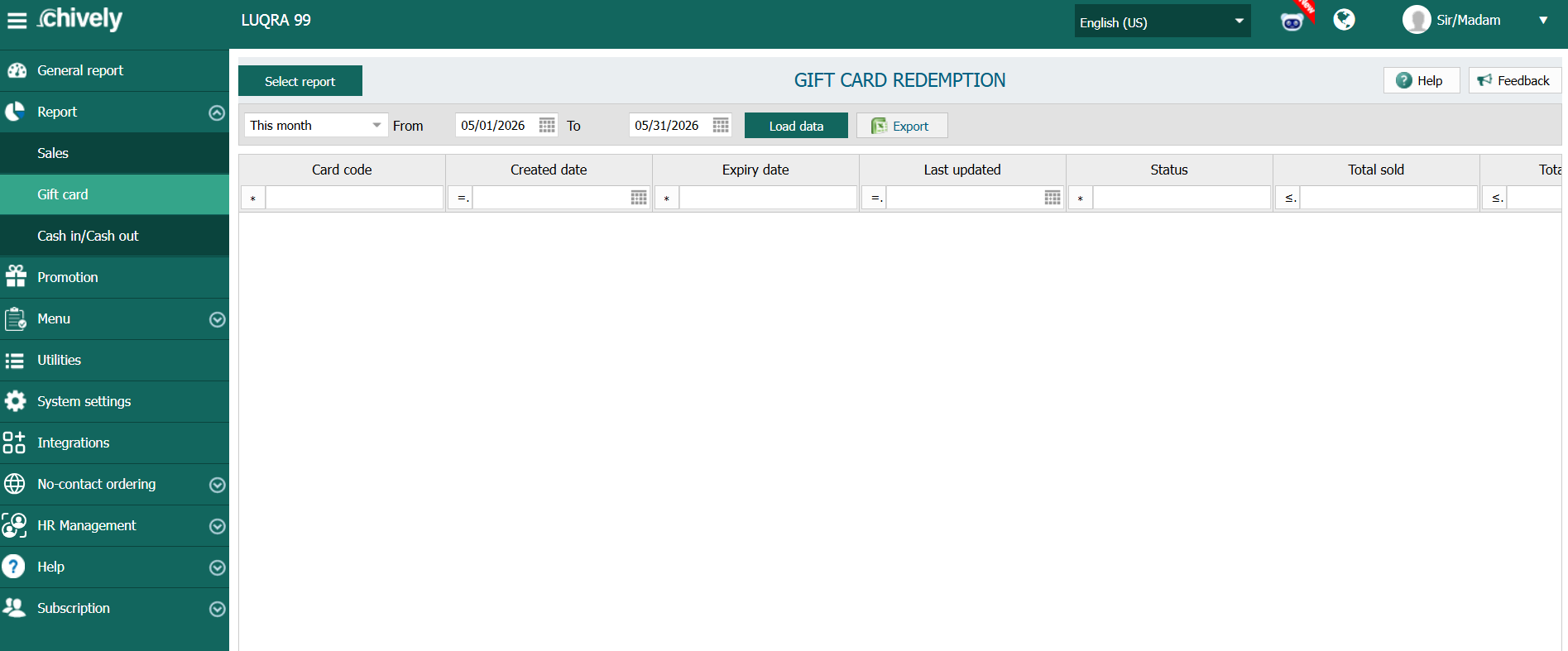
- Open payment reporting and filter for gift card transaction type.
- Select location and date range, then apply filters.
- Review each transaction for amount, status, terminal/station, and timestamp.
- Cross-check failed or reversed gift card transactions for duplicate attempts.
- Investigate disputed transactions using receipt/order reference IDs.
- Export filtered results and share with support/accounting when needed.
Verification
- Results include only gift card transactions in the selected period.
- Every disputed transaction can be traced to a specific order reference.
- Exported data matches selected filters and location scope.
Source reference to adapt
Need help?
Call 1-866-849-2445 for support.