
Overview
This beta guide explains how to generate timesheet and payroll-ready reports for approved staff hours.
Before you begin
- Confirm employee profiles and roles are up to date.
- Confirm pay period boundaries (weekly/biweekly/monthly).
- Confirm manager approval workflow for disputed punches.
Steps
- Open staff reporting and select the payroll period.
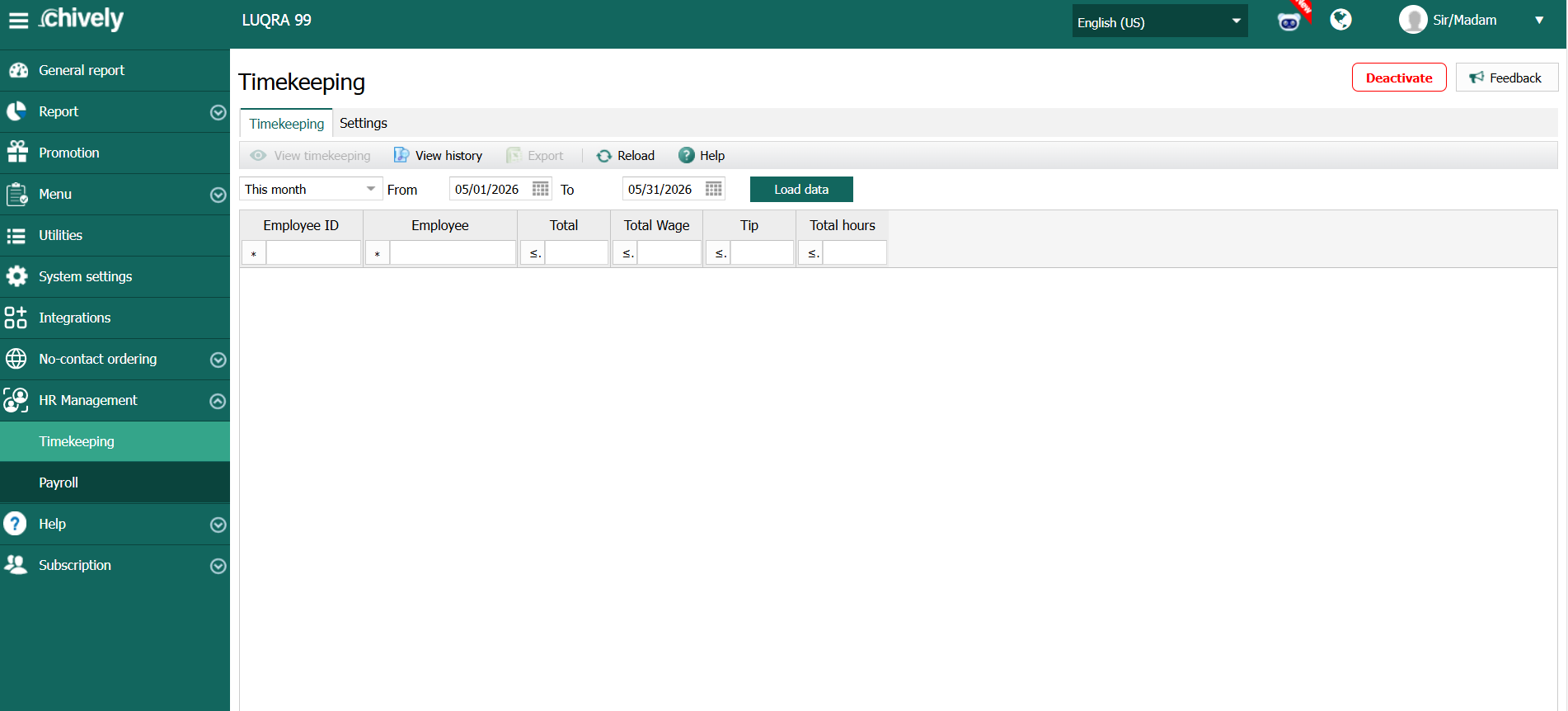
- Load timesheet data for all staff, or filter by role/location if needed.
- Review missing punches, unusually long shifts, and duplicate clock events.
- Correct approved exceptions using manager notes or supervisor confirmation.
- Recalculate totals after adjustments.
- Export the payroll report and store a copy for audit.
- Share final output with payroll/accounting before payroll cut-off.
Verification
- Total payable hours match approved records.
- All exceptions have either correction or documented justification.
- Exported file contains complete employee hour and period data.
Source reference to adapt
Need help?
Call 1-866-849-2445 for support.