
Overview
Use this guide when a connected cash drawer does not open during transactions or with manual trigger actions.
Applies to models sold by Chively
- Sunmi MAX Cash Drawer
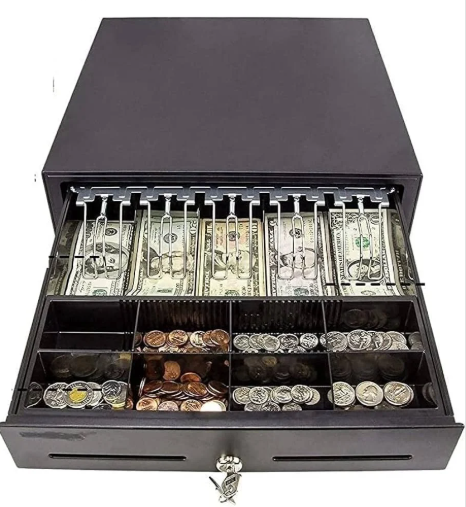
- 13 inch Cash Register Drawer (4 bill slots)
- 16 inch Cash Register Drawer (5 bill slots)
Before you begin
- Confirm drawer key position is set to electronic mode, not locked.
- Verify the cable type and port match the drawer/printer specifications.
- Keep a spare trigger cable available for swap testing.
Steps
- Check key lock position and test manual open with the key.
- Reseat the drawer cable at both ends and inspect for bent connector pins.
- Confirm the drawer is connected to the correct trigger port.
- Test drawer-open command from the host device or connected printer.
- Replace the trigger cable with a known-good cable and test again.
- Check for mechanical binding by opening and closing the drawer several times.
- If available, test the drawer on a second compatible station.
- If the drawer works elsewhere, troubleshoot the original station trigger path.
- If the drawer fails on all stations, replace or service the drawer unit.
Verification
- Drawer opens reliably on trigger command.
- Manual key open still works as a fallback.
- Drawer closes smoothly without sticking or latch misalignment.
Need help?
Call 1-866-849-2445 for support.